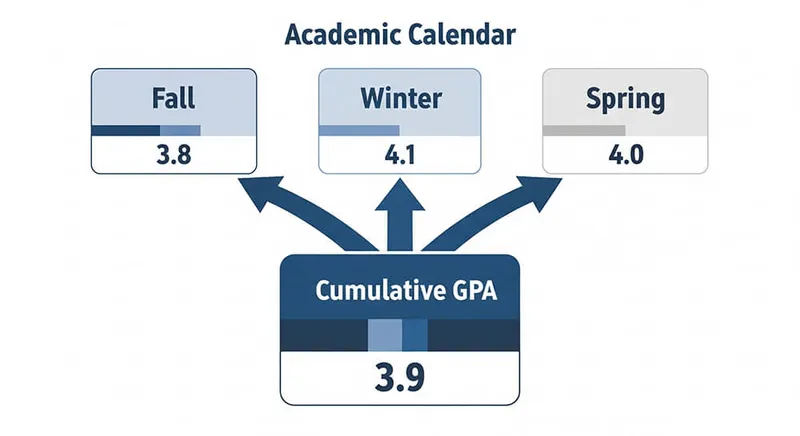
Product scope: This site does not have a trimester-specific calculator or a universal trimester policy. Use the cumulative GPA calculator, create three terms, and enter only data compatible with its displayed grade and weighting model.
A trimester changes the grouping, not the arithmetic
Calling a term a trimester does not determine its length, credit system, grade table, weighting, or treatment of special marks. Those rules belong to the school. The calculator simply keeps three labeled groups and combines the included course rows.
Under a compatible credit-weighted policy:
course quality points = grade-point value × GPA-bearing credits
combined GPA = total quality points across all three terms ÷ total GPA-bearing credits
Notre Dame's registrar publishes this quality-point method for its own records. Use your institution's rule if its table, included courses, or denominator differs.
Before entering a course
Obtain the current transcript legend, catalog, or registrar instructions and record:
| Policy field | What to verify |
|---|---|
| Grade table | The exact points for every letter, including plus/minus grades |
| Course population | Which courses and attempts enter this particular GPA |
| Units | Whether the denominator uses credits, GPA hours, or another unit |
| Weighting | Which courses qualify and whether bonuses are capped |
| Special marks | Treatment of pass/fail, withdrawal, incomplete, audit, repeats, and transfer work |
| Precision | Whether the institution rounds, truncates, or publishes more decimals |
The site's default model uses A+/A = 4.0, A− = 3.7, B+ = 3.3, and a fixed optional bonus model. It cannot reproduce every institutional policy.
Three-term setup
- Open the cumulative GPA calculator.
- Rename the first term with an unambiguous label such as
2026–27 Trimester 1. - Add
2026–27 Trimester 2and2026–27 Trimester 3. - Enter each course in the term where the final grade belongs.
- Use the transcript's GPA-bearing credit value, not an assumed equal weight.
- Review each term subtotal and then the combined result.
If the school's table cannot be represented by the available grade choices, stop. A neatly grouped estimate under the wrong table is not the official GPA.
Why averaging three displayed GPAs can fail
Suppose the terms have different credit totals. A simple average gives each term equal influence even though the official calculation may weight every included course by credits. Even with equal credits, displayed term GPAs may already be rounded or truncated.
Course-level quality points are the safest input. Full-precision term GPA and matching GPA hours can also reconstruct a combined value under a compatible formula. Rounded display values provide only an estimate.
Export limitation
The cumulative calculator can export validated course rows as JSON, but the current export is not a lossless workspace backup. Import places accepted rows into one term named Imported; it does not restore the three-term grouping. Keep a separate record of term labels, or reassign the rows after import.
CSV is available for export, not import. Imported JSON is limited to the supported schema, 500 course rows, and 1 MiB.
Reconcile the result
Compare the calculator and official record in this order:
- included course list;
- letter-to-point mapping;
- credits or GPA hours;
- weighting and caps;
- repeat, transfer, and special-grade treatment;
- final precision rule.
Do not infer the cause from the size of a difference. Document the unresolved field and ask the school or registrar to explain its record.
Bottom line
A three-term year needs three clear labels, not a different universal GPA formula. The school owns the rules; this calculator can reproduce only the arithmetic its controls support.